

How to Invite A Friend
December 30, 2019 • By Margeaux Gerwin
Have a friend that owns a luxury second home?
If you think they’d be a good fit for the Club, invite them to join ThirdHome by sending them your personalized referral link or QR code.
By inviting friends to join the Club, you earn 2 Keys and they earn 2 Keys. Follow the steps below to learn how to find your custom referral link and QR code. You can email, text, or even share your personalized link on social media!
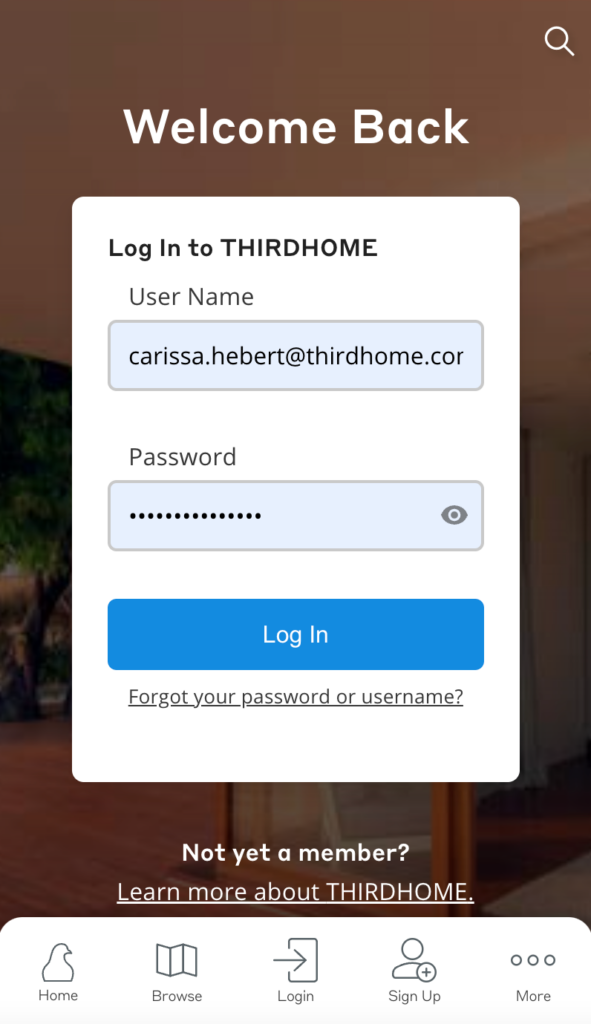
Step 1: Visit exchange.thirdhome.com and log in to your account.
Step 2: Click the blue “Account” button at the bottom of the screen, then scroll down and click “Refer A Friend.”


Step 3: Have your friends scan your QR code or copy your personalized referral link and share it via email, text, or social media.

Do you already have some friends in mind? Click the button below to get your personalized referral link or QR code! You must be logged into your account to view your link.

